Learn eSchool SaaS, step by step
Short videos that show you exactly how each feature works. Every step has clear on-screen subtitles, so you can follow along without sound.
- 7 tutorials
- 19 min of video
- Subtitled
Getting started
New to eSchool SaaS? Start with a quick tour of the whole product.
Super Admin
Run your platform: the dashboard, schools, packages, subscriptions and settings.
 2:08
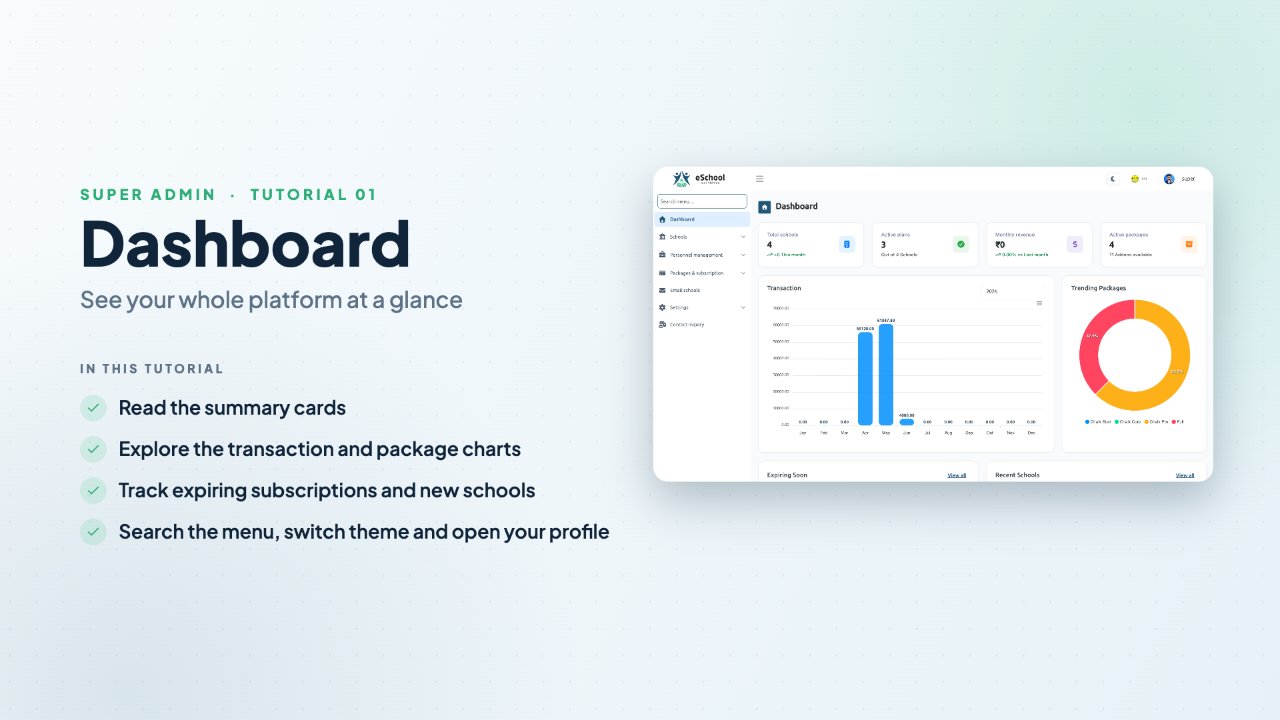
2:08Dashboard
Read the summary cards and charts, follow up on expiring subscriptions, and use menu search, dark mode and the profile menu.
 1:52
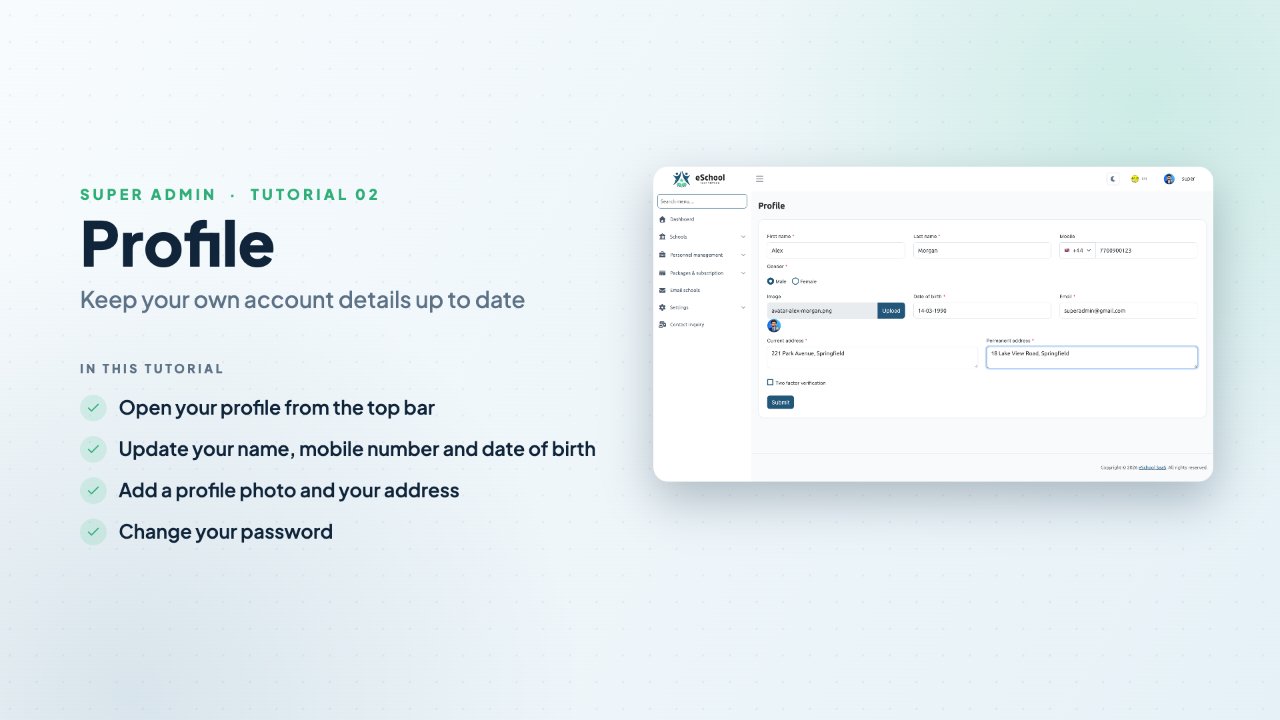
1:52Profile
Update your name, mobile number, date of birth, photo and address, then change your password.
 6:54
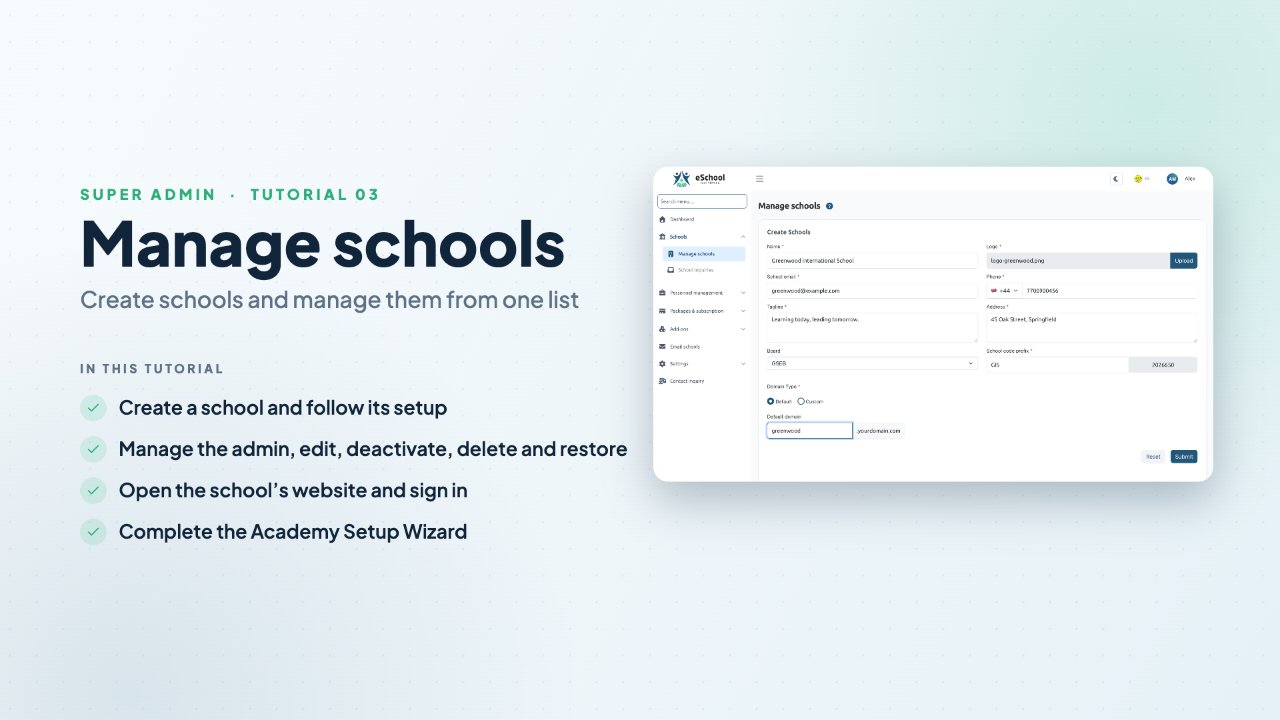
6:54Manage schools
The complete journey: create a school, manage it, assign a plan, open its website, sign in as the school admin and complete the Academy Setup Wizard.
 3:09
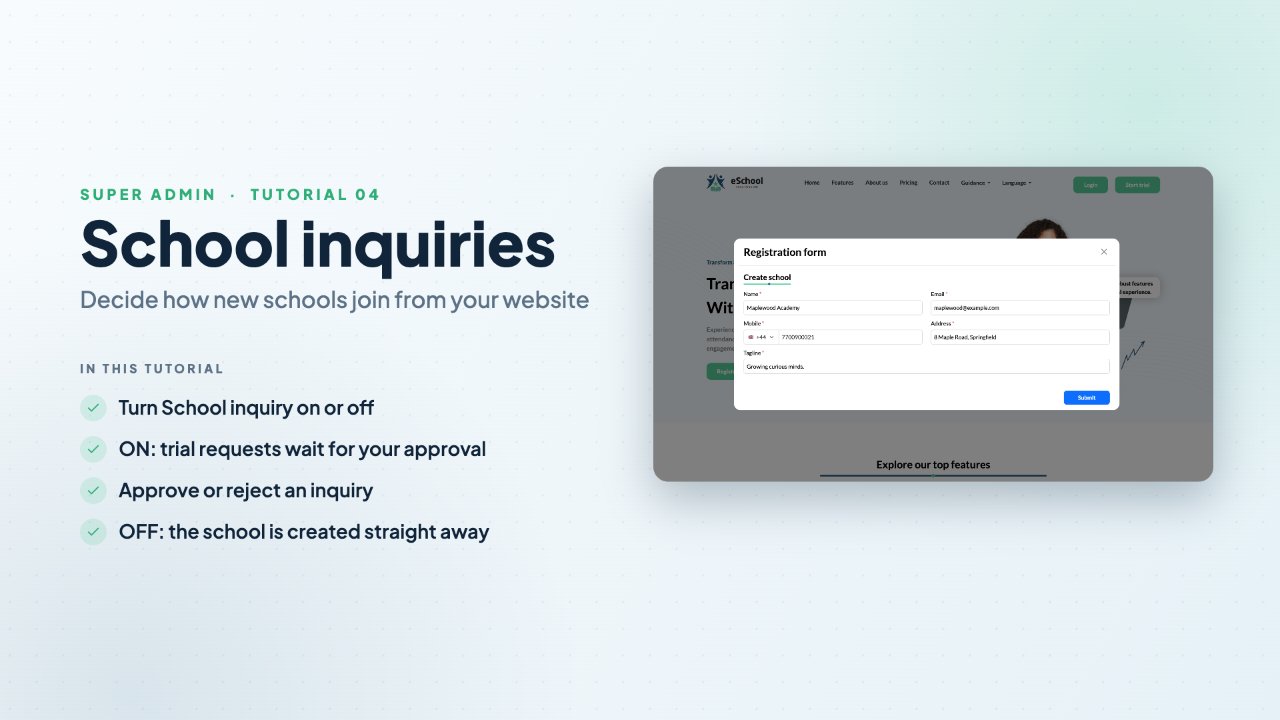
3:09School inquiries
See what Start trial on your website does with School inquiry ON (approve or reject each request) and OFF (the school is created straight away).
 1:45
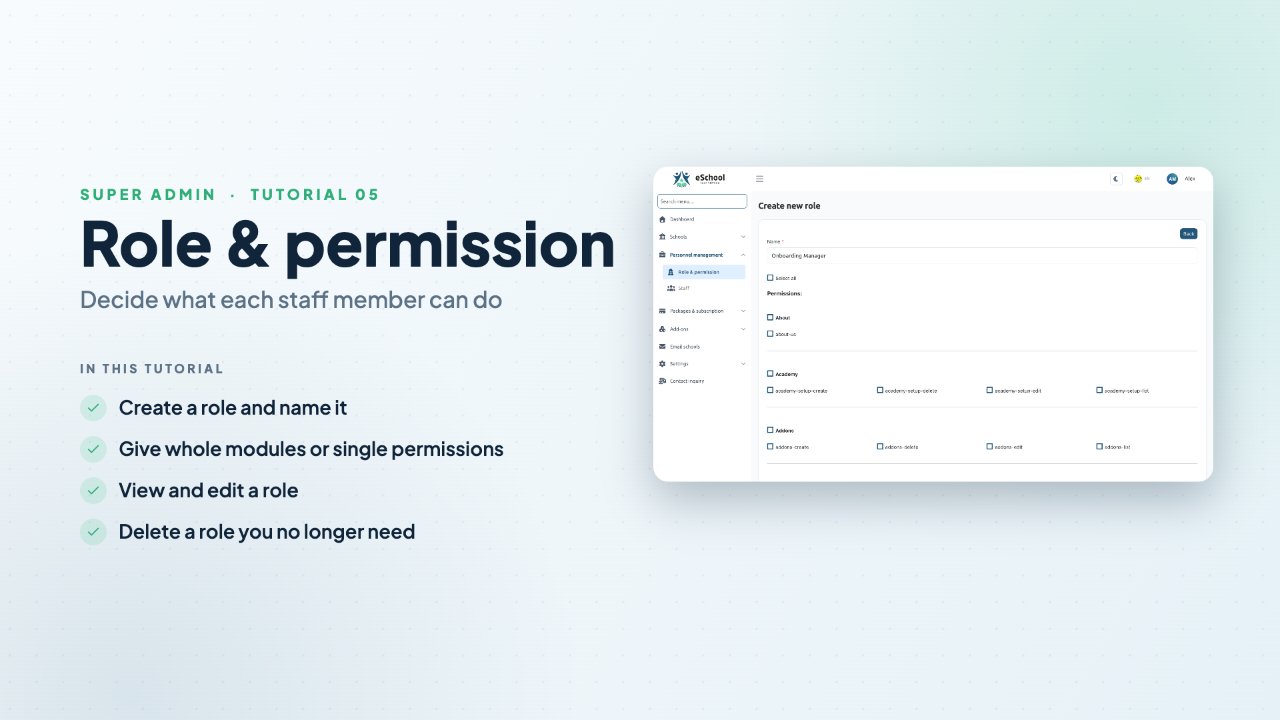
1:45Role & permission
Create a role for your Super Admin staff, choose its permissions by module or one by one, then view, edit and delete roles.
 1:53
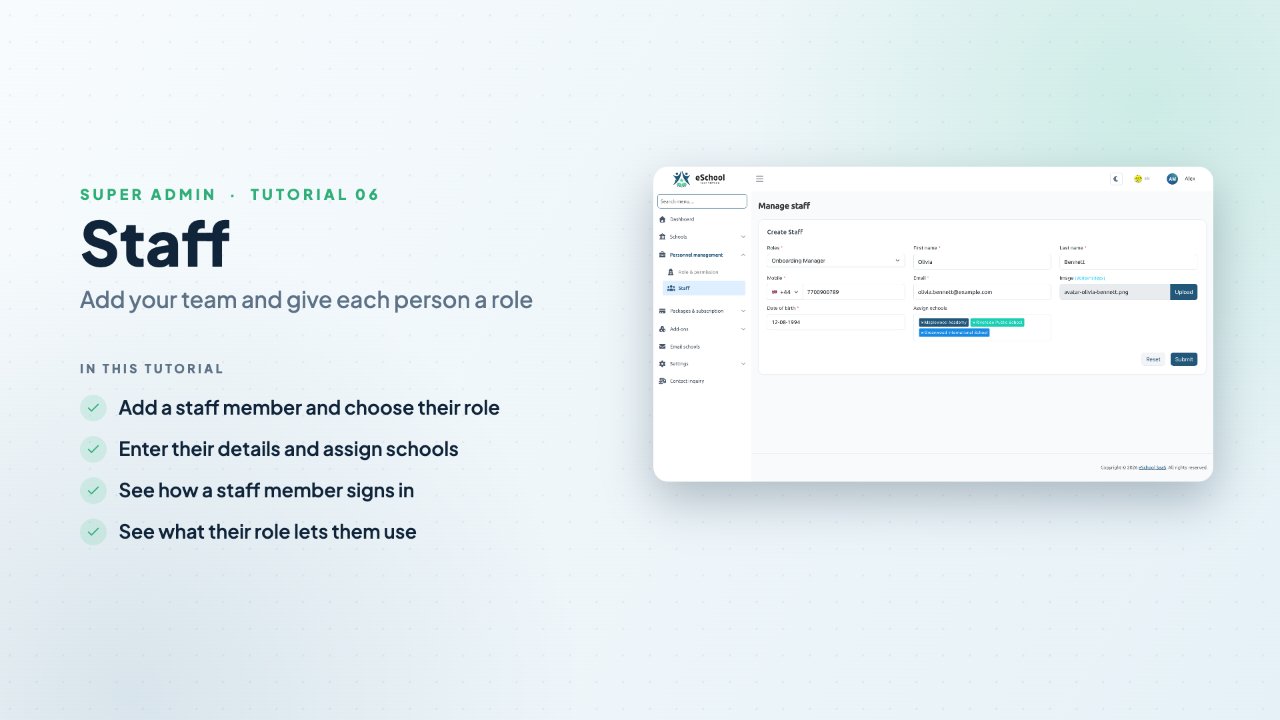
1:53Staff
Add a staff member with a role, their details and the schools they look after, then see what they can use when they sign in.
Packages
Create prepaid and postpaid packages for schools, choose their features, and publish them.